Explore the best image vectorizers available on the market.
For years, the question was simple: which tool traces a raster image into the cleanest vector. In February 2026, Figma shipped its own native vectorizer, built directly into the design canvas. That changes the comparison. The real question now is not just which tool traces best. It's whether the result is editable where you actually work, and whether you need a raster image to trace in the first place.
This guide shares critical info about vectorizers for 2026, with a new entrant and a harder look at what vectorize actually buys you.
The top image vectorizers in 2026
Tool
Best for
Generates vectors from a prompt
Free tier
Starting price
Recraft
Vectorizing or generating vectors, then editing on one canvas
Yes
Yes, no card required
Free; paid plans for heavier use
Vectorizer.ai
High-fidelity tracing of complex, full-color images
No
Preview only, no downloads
About $10/mo
Adobe Illustrator
Manual, fine-grained control over a trace
No
No
About $23/mo
Vector Magic
Faithful tracing with hands-on cleanup tools
No
Preview only, no downloads
About $10/mo, or $295 one-time (desktop)
Kittl
Vectorizing inside a merch and template platform
No
Yes, vector export locked
About $10/mo (Pro)
Figma Vectorize
Quick in-canvas vectorizing of sketches and textures
No
No
Included in Figma Professional ($15/mo+), plus AI credits
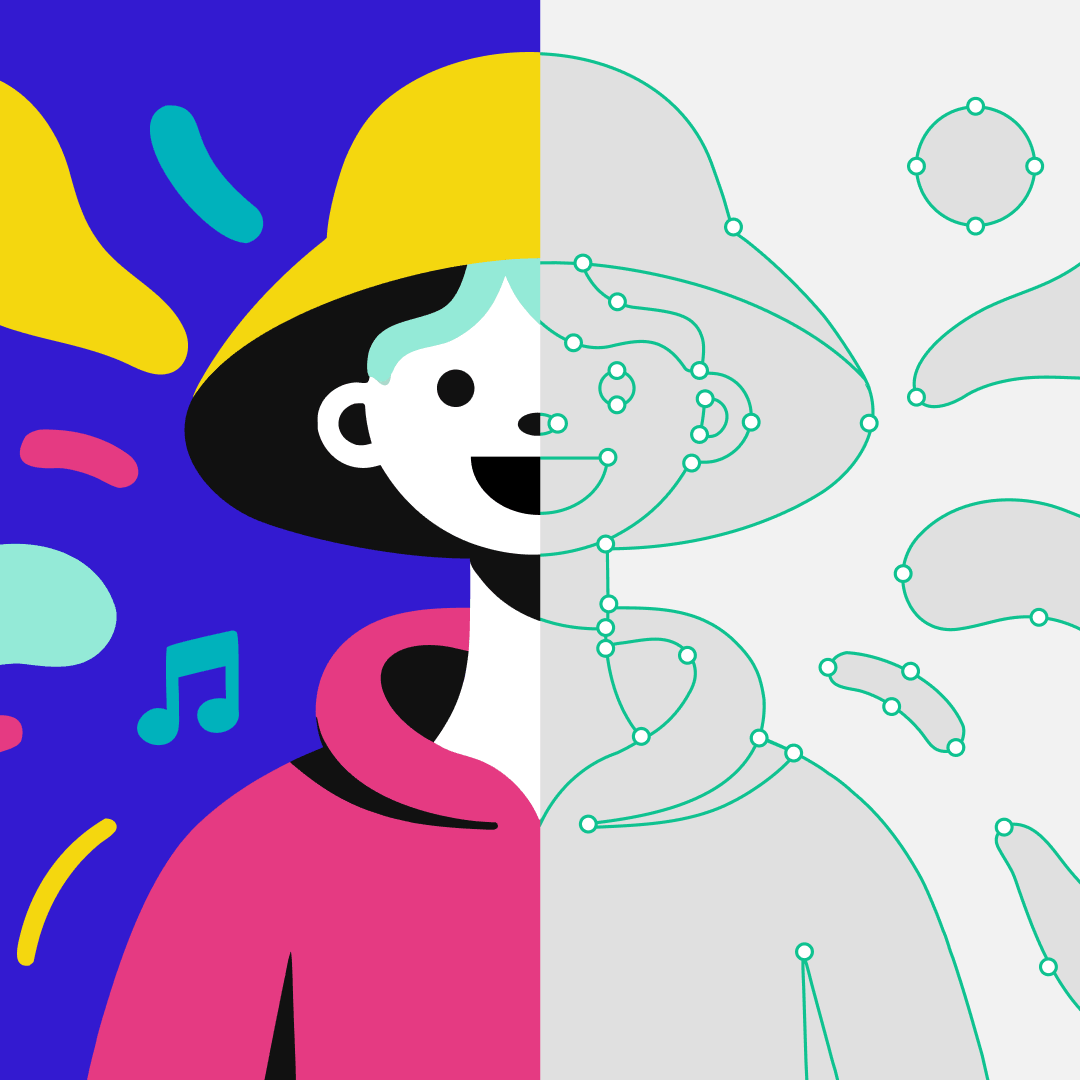
Recraft has a converter that transforms PNG, JPG, and WebP images into SVG files in seconds, in Recraft Studio or through the API. Once an image is vectorized, you can recolor it or reduce its color count with the Adjust colors tool, no separate app required.
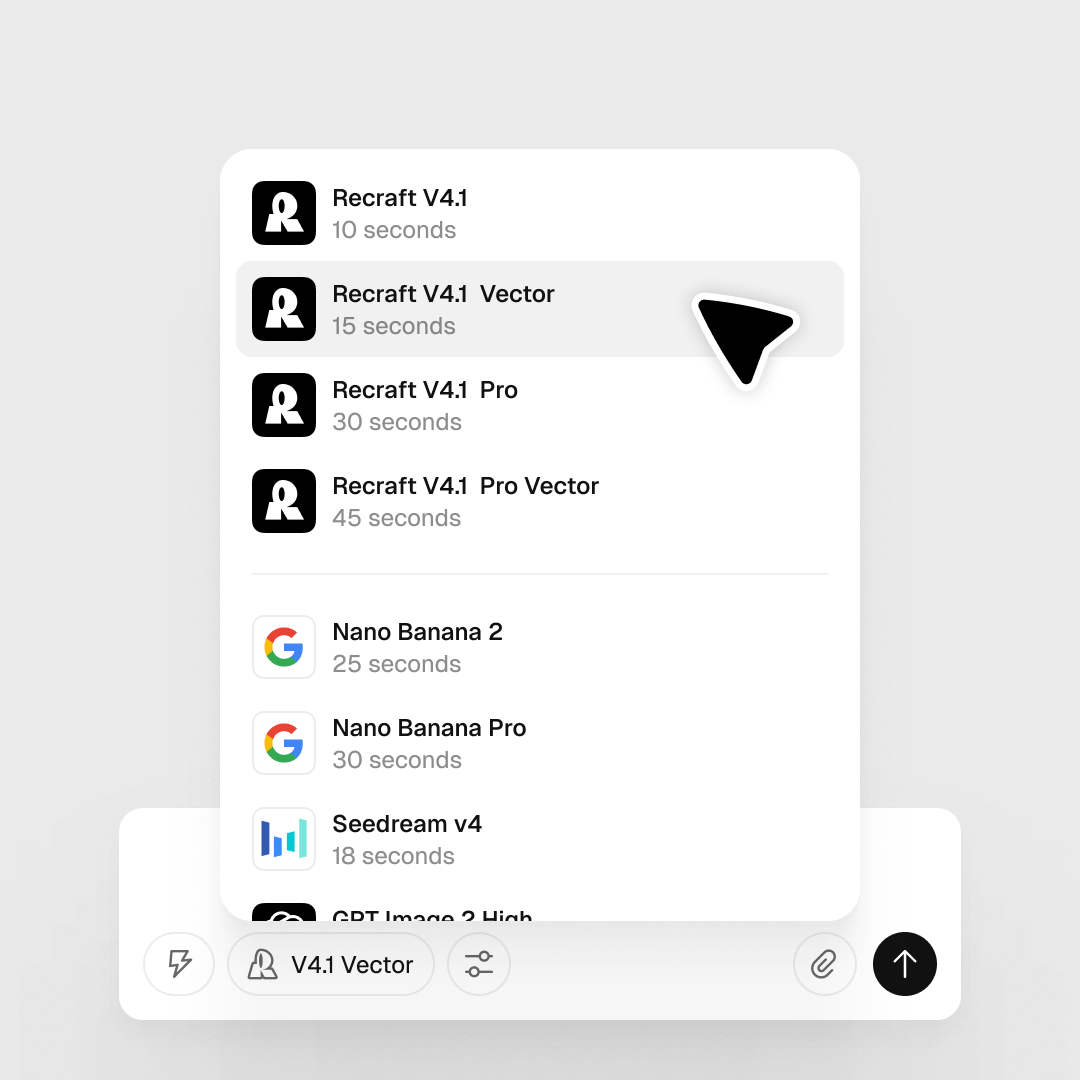
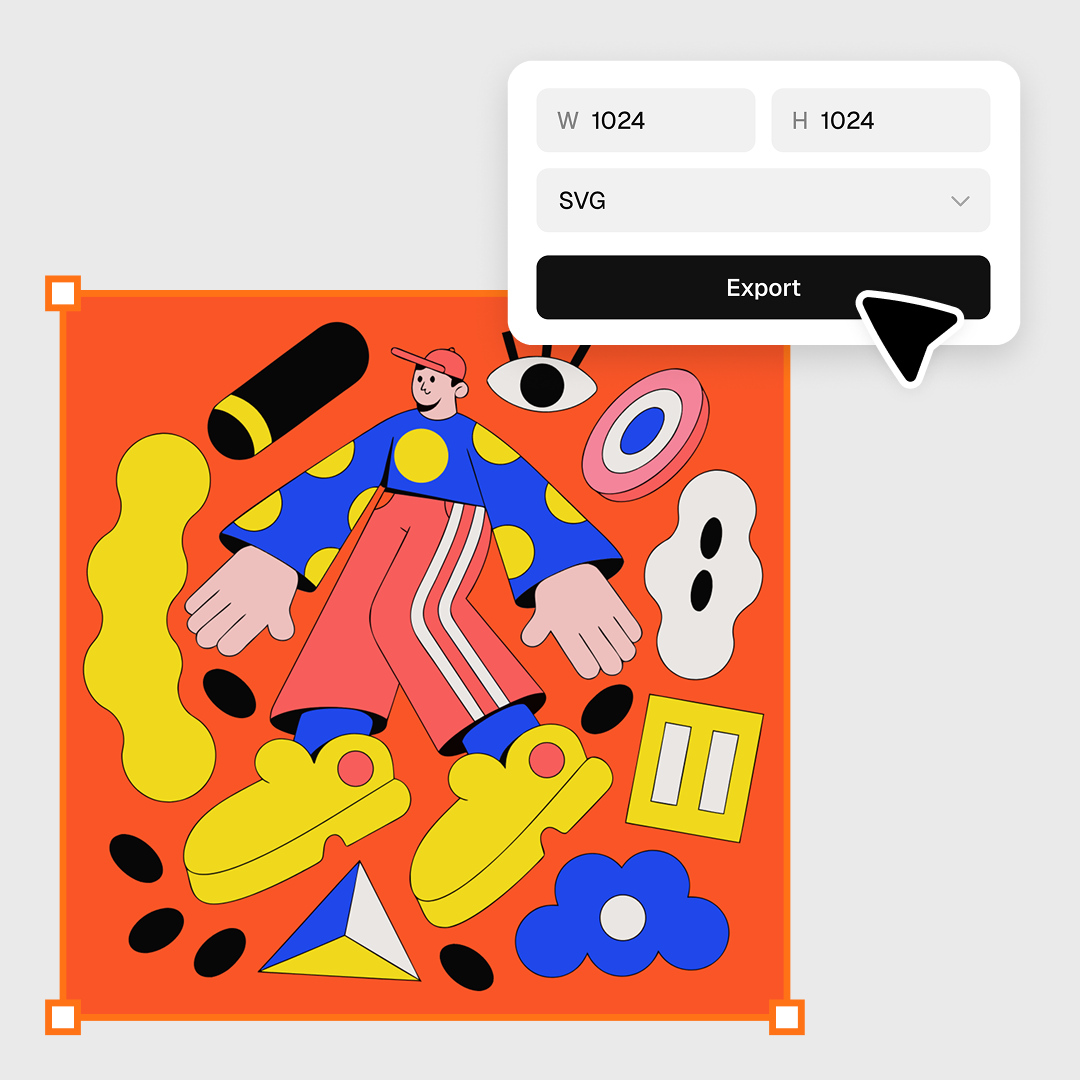
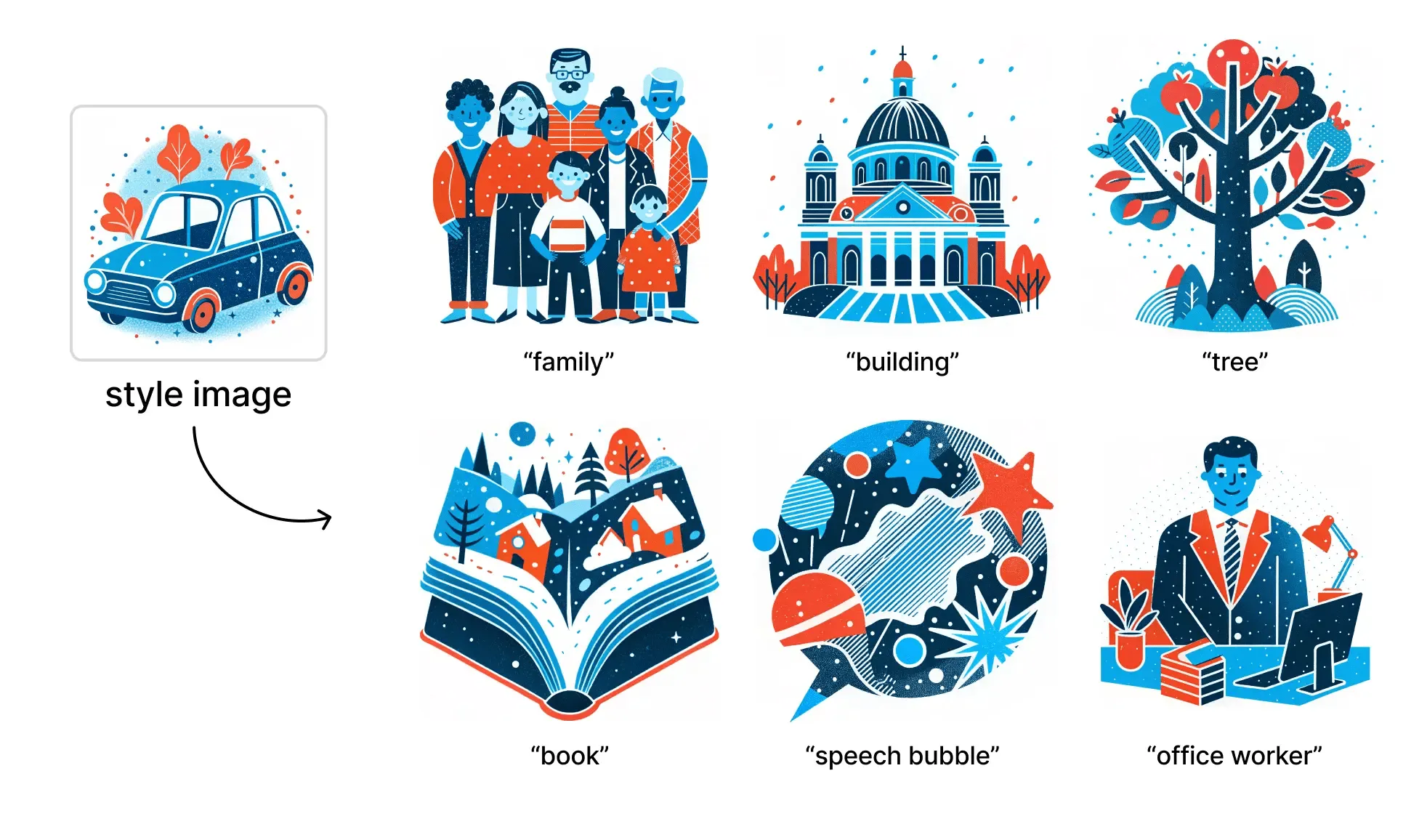
The bigger difference: Recraft doesn't need a raster image to start with. The AI Vector Generator builds SVGs straight from a text prompt, structured layers, clean geometry, ready for web or print, with nothing to trace. That covers the two situations every designer actually runs into: an existing image that needs to become a vector, and a vector that doesn't exist yet.
Recraft's integrations bring the same SVG Converter into Figma, Framer, Google Docs, and Chrome, so the result lands directly in your file, no exporting and reimporting. The free plan covers most of this with no credit card required, and Recraft Studio adds image generation, mockups, upscaling, and background removal around it.
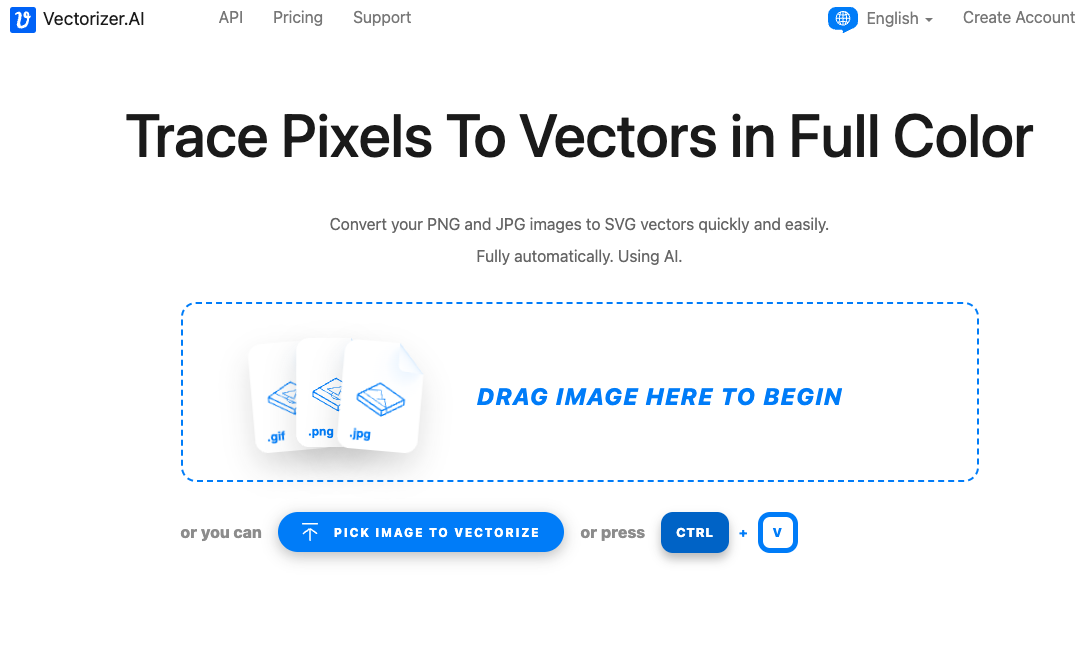
Vectorizer.ai is the benchmark most other AI vectorizers get measured against, and it earns that reputation. Its full-color tracing handles symmetry, clean corners, and a fuller range of curve types than most tracers attempt, with output in SVG, PDF, EPS, and DXF.
The tradeoff: previewing is free, but downloading a result requires a subscription, starting around $10 a month for unlimited web access. Vectorization is the entire product. There's no vector generation, no broader editor, and no way to get a result without a raster image to feed it first.
Adobe Illustrator
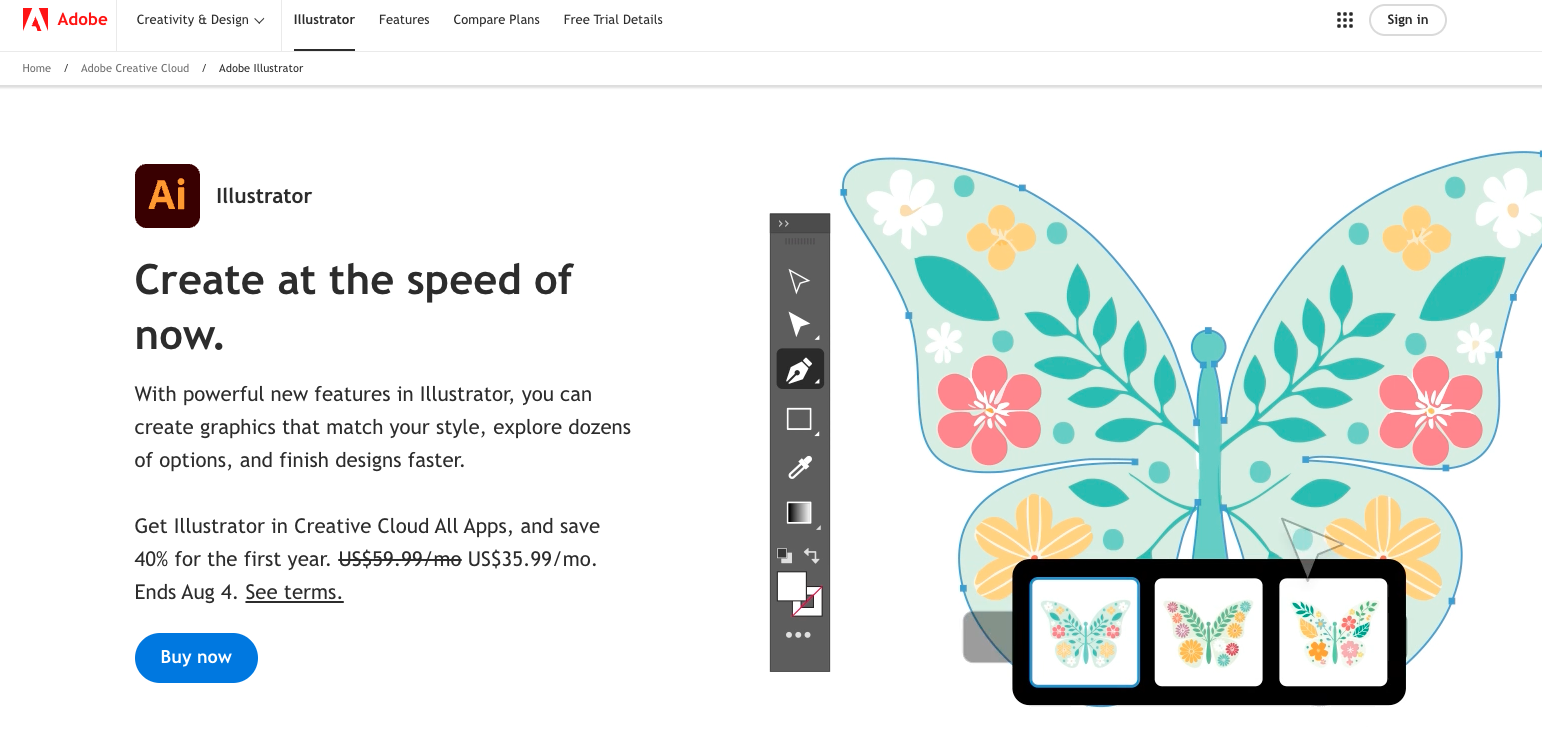
Illustrator's Image Trace is still the most controllable vectorizer on this list once you start tuning the sliders by hand, and it remains the standard for production print work. The 2026 update sharpened its threshold detection.
The core engine is still classical tracing, not an AI model, so complex or noisy images tend to come out with far more anchor points than a neural vectorizer would produce, which means more manual cleanup before the file is usable. Illustrator has no free plan. A single-app subscription runs about $23 a month billed annually, more if you pay month to month, before you even reach for the rest of Creative Cloud.
VectorMagic.com
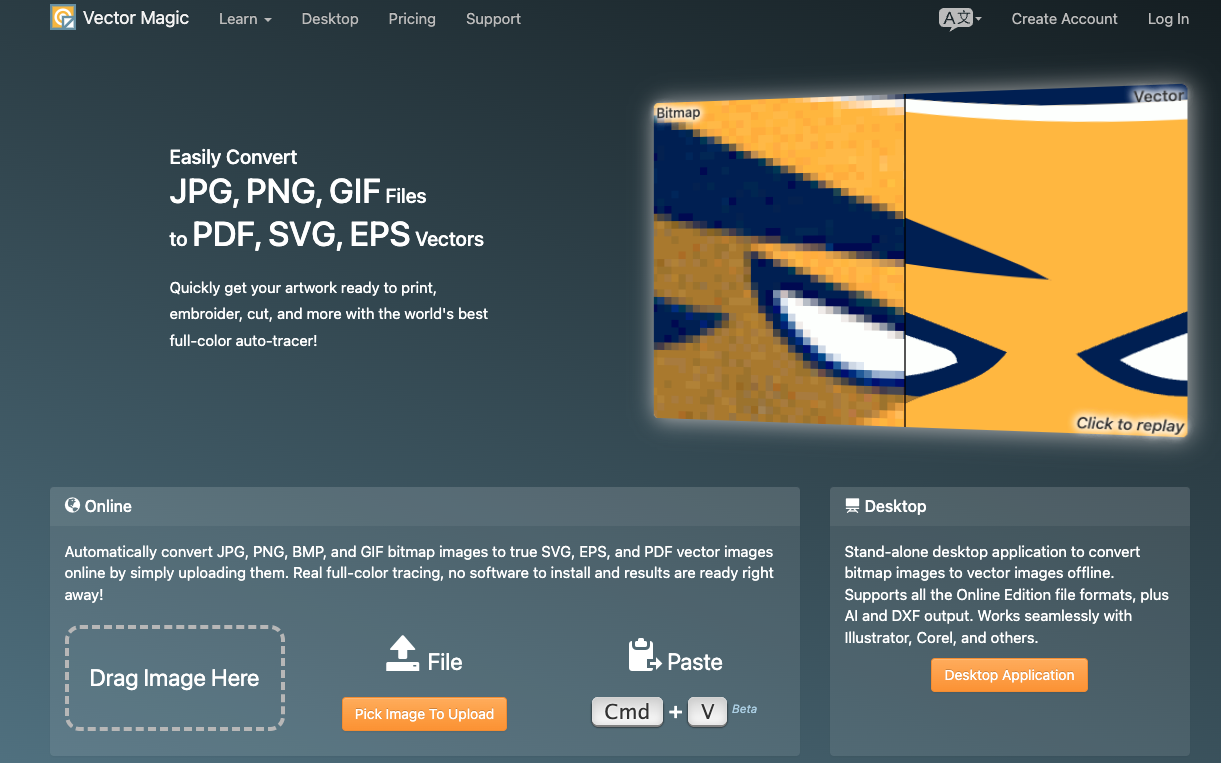
VectorMagic has built its reputation on faithful full-color tracing and an unusually hands-on editor: you can connect broken lines, separate merged shapes, and clean up a result without leaving the tool. It's a solid pick when fidelity to a complex source photo matters more than speed.
You can preview for free, but downloading needs the Online Edition at roughly $10 a month, or the Desktop Edition at a $295 one-time license if you want batch processing and offline use. Either way, vectorization is the whole job. There's no generation and no broader design surface, just a trace.
Kittl
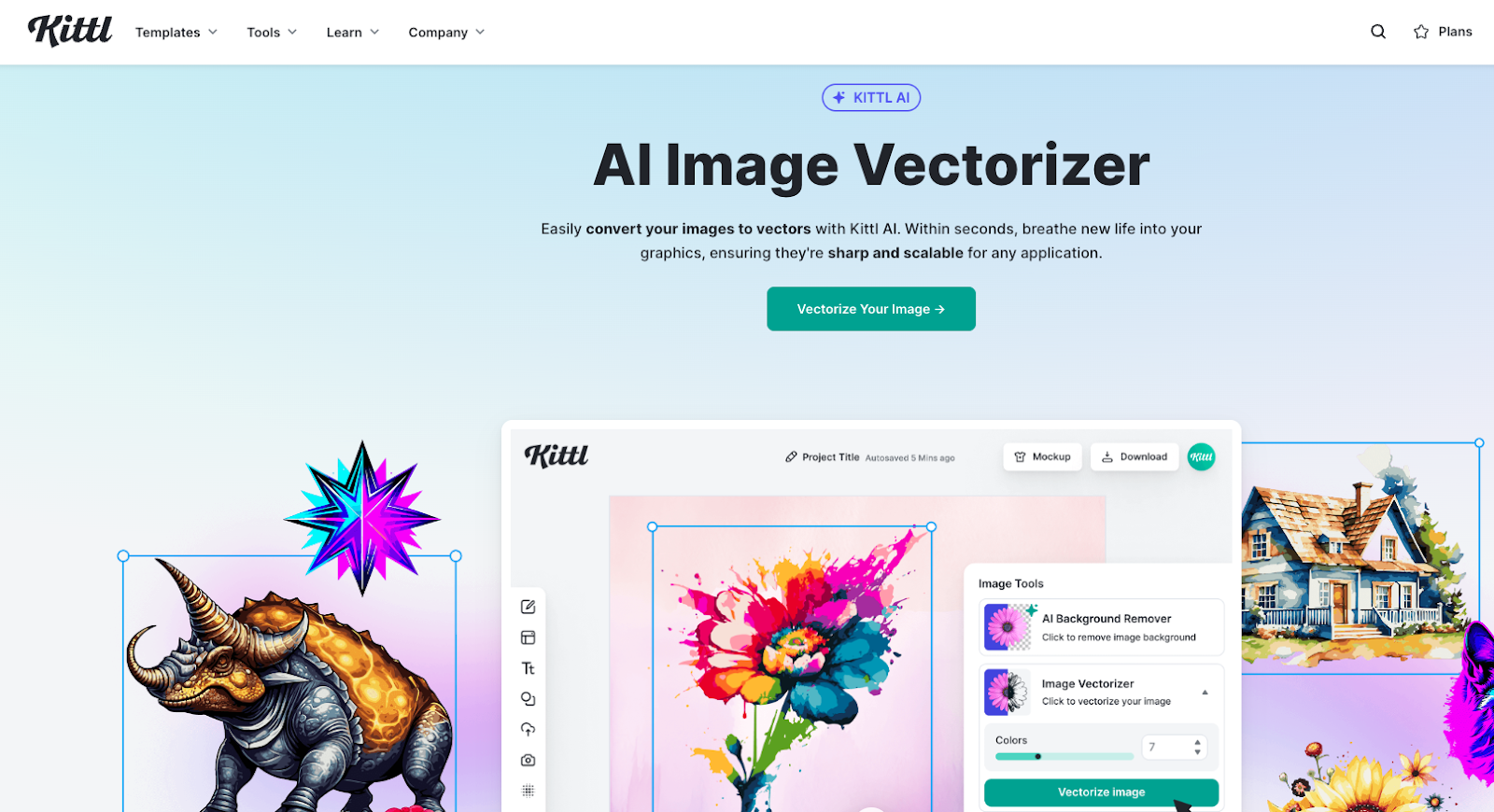
Kittl bundles its AI vectorizer into a wider platform built for merch and print-on-demand sellers: templates, mockups, fonts, and a commercial license covering up to 500,000 reproductions per design. If you're already designing t-shirts or stickers in Kittl, vectorizing inside the same canvas is convenient.
The free plan lets you test the vectorizer, but exporting a usable SVG or PDF requires Pro, starting around $10 a month billed annually. Vectorization here is one feature inside a broader templating tool, not the focus, which trades some precision for speed and convenience.
Figma Vectorize
Figma's new Vectorize tool, launched in February 2026, turns a raster image already on your canvas into editable vector shapes in one click, in full color, grayscale, or black and white. For a quick sketch or texture you want to riff on without leaving Figma, that's a genuinely useful shortcut.
It only works on Figma's Professional plan and above, and it draws from Figma's shared AI credit pool per conversion, so it isn't available on the free plan, and it isn't free even once you're paying for Figma. It also only runs one direction: it can vectorize an image you already have, but it can't generate one from a prompt. Recraft does both, and its own Figma integration brings the same SVG Converter onto your canvas without spending a single Figma AI credit.
Why convert raster images to vector?
A raster image is a fixed grid of pixels. Enlarge it past its native resolution and it blurs. A vector image stores shapes as math instead, curves and points that recalculate at any size, so a logo built as a vector looks identical on a business card and a billboard.
That's why vector formats like SVG and PDF are the standard for logos, icons, and other brand assets that need to hold up at every size they'll ever be used at.
Vectorize what you have, or skip the step entirely
Most "best vectorizer" comparisons assume you're starting with an image. Often you're not. Recraft is built for both situations: an existing PNG or JPG that needs to become an editable SVG, or a blank page and a text prompt. Either way, the file you get is the same clean, layered SVG, and it can land directly in Figma, Framer, Google Docs, or Chrome through Recraft's integrations, free to start.
Yes. Recraft offers a free plan that covers vectorization, recoloring, and most editing tools, with paid plans for heavier use. Get started at recraft.ai without entering payment details.
Can I vectorize an image directly inside Figma?
Yes, in two ways. Figma's own Vectorize tool works on Professional plans and above and draws on Figma's AI credits. Recraft's Figma integration brings its SVG Converter onto the canvas for free, with no credits spent.
Do I need a raster image to create a vector?
No. Recraft's AI Vector Generator builds an SVG straight from a text prompt, with no image to trace. Use the vectorizer when you already have a raster image, and the generator when you don't.
Why should I convert a JPG or PNG to SVG?
Enlarging a JPG or PNG past its native size causes pixelation. Converting to SVG keeps logos, icons, and illustrations sharp at any size and easier to edit afterward.
.svg)