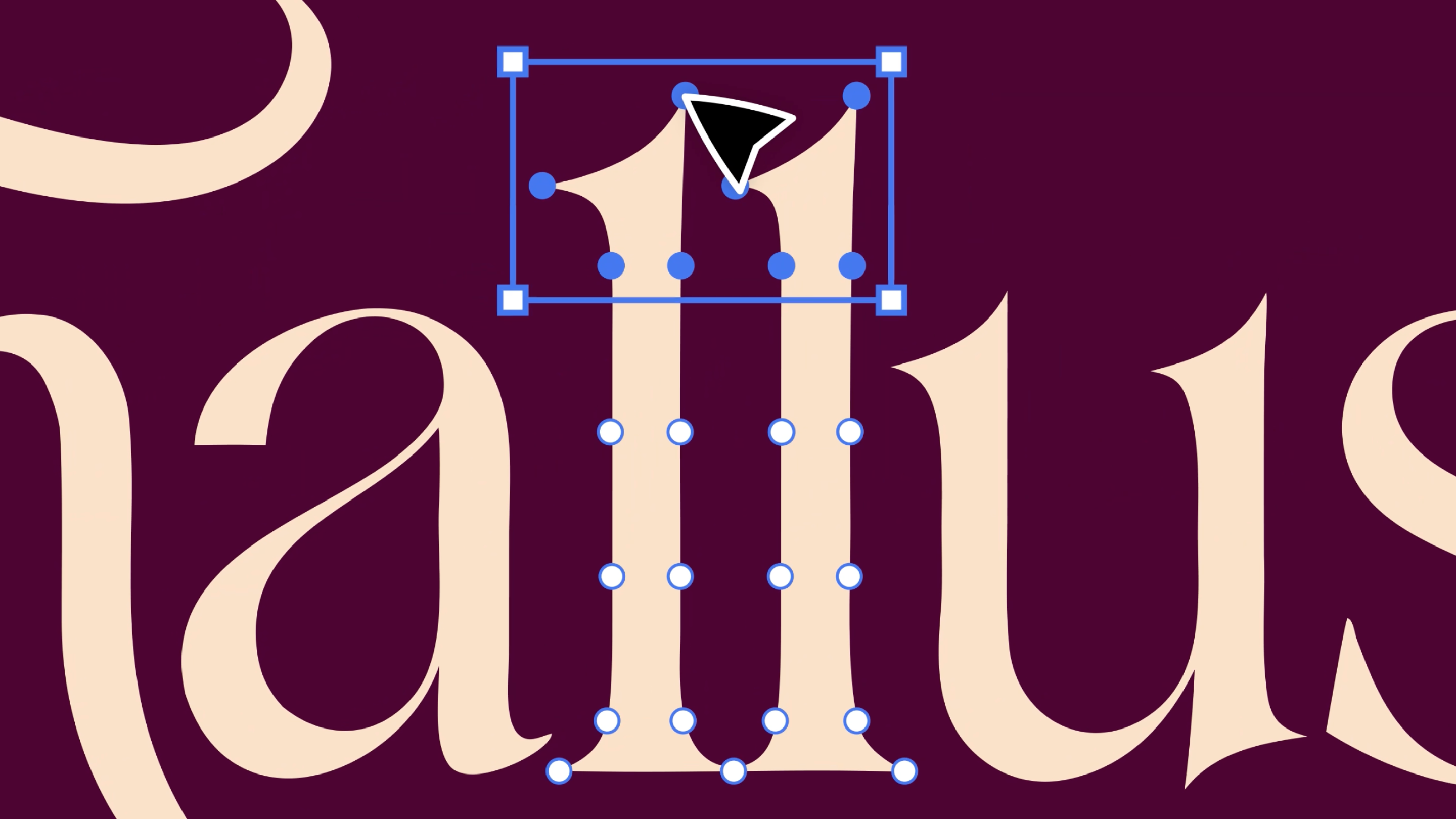
Until now, editing an AI-generated vector meant a field trip.
You generated in Recraft, exported the SVG, opened Figma, nudged one anchor point, and exported again. The round trip took longer than the fix.
The vector editor ends the commute. You can now tweak vectors directly in Recraft Studio, point by point, right where you made them.
What you can edit
Click any shape in your generation and get to work. Drag anchor points until the curve sits exactly where your eye wants it. Recolor a single shape without touching its neighbors. Duplicate an element across frames when one letterform deserves a second life. The paths are real, the points are yours, and nothing has to leave the canvas.
Why this matters
Most AI tools hand you pixels and call it a day. Recraft generates true vectors, and true vectors deserve real editing. A generation is a starting point, not a verdict. The last five percent, where a good asset becomes your asset, now happens in the same place as the first ninety-five.
How to try it
Generate a vector in Recraft Studio, click a shape, and start pulling points. That is the whole tutorial.
Open Recraft Studio and start editing at recraft.ai.
.svg)