

The Ultimate Cheat Sheet
Your go-to prompt library for Recraft’s image-to-video tools. Every prompt is universal — it works with any image on your canvas. Just click the copy button on any code block and paste it into Recraft. Every prompt on this page works directly inside Recraft’s canvas Select any image, open the video tool, paste a prompt, and watch it come to life. 👉 Open Recraft Studio →📸 Camera Movement
.gif?s=b5af67ffc4be25babceea5e19cf0e7c4)
🌊 Atmosphere & Environment
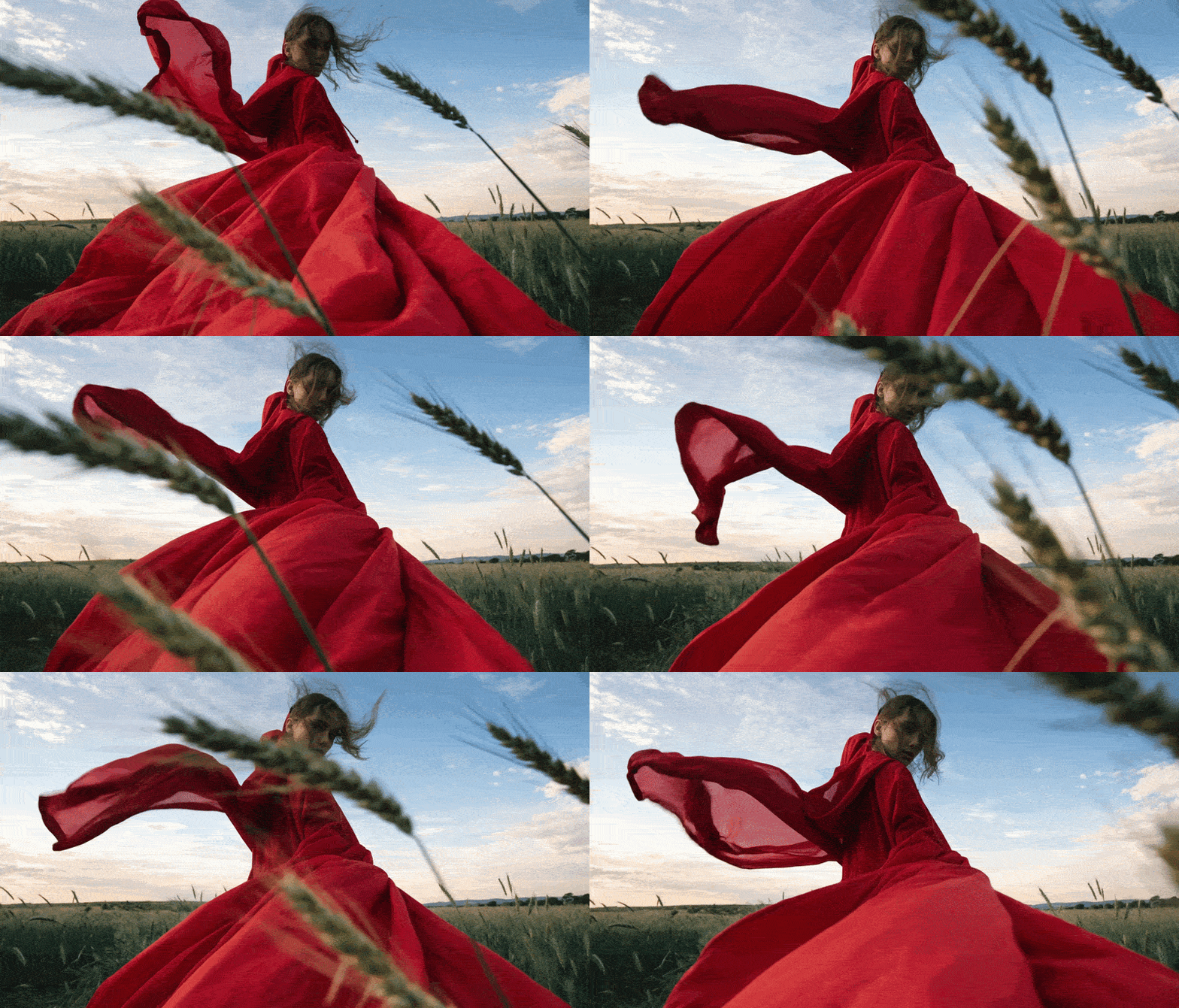
👤 People & Portraits
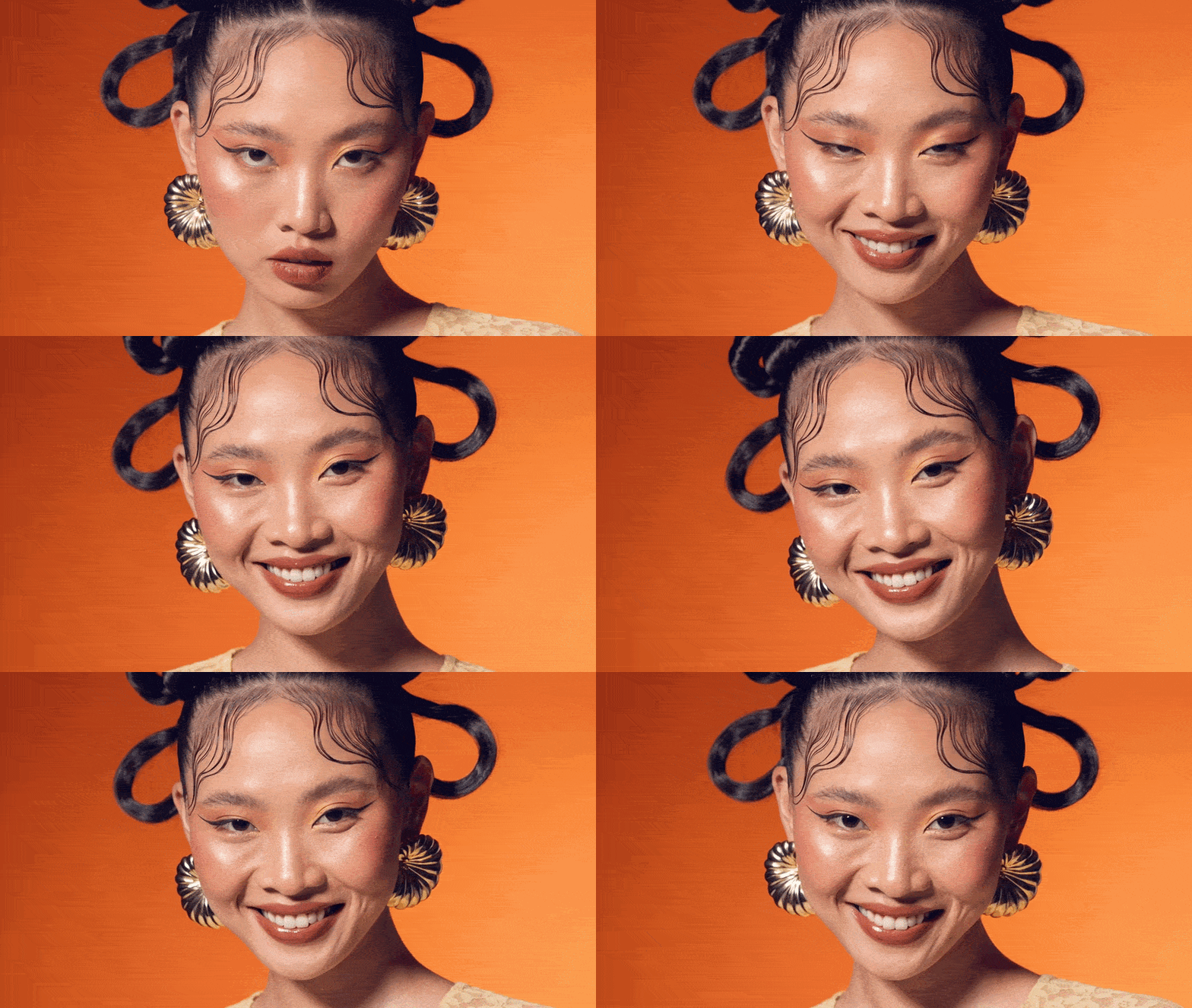
Emotions
Warm authentic smileBody & Head
Classic head turn to cameraHand Gestures
Inviting hand — pulls viewer inPortrait + Camera Combos
Zoom-in + smile + blur🛍️ Product & Object Scenes
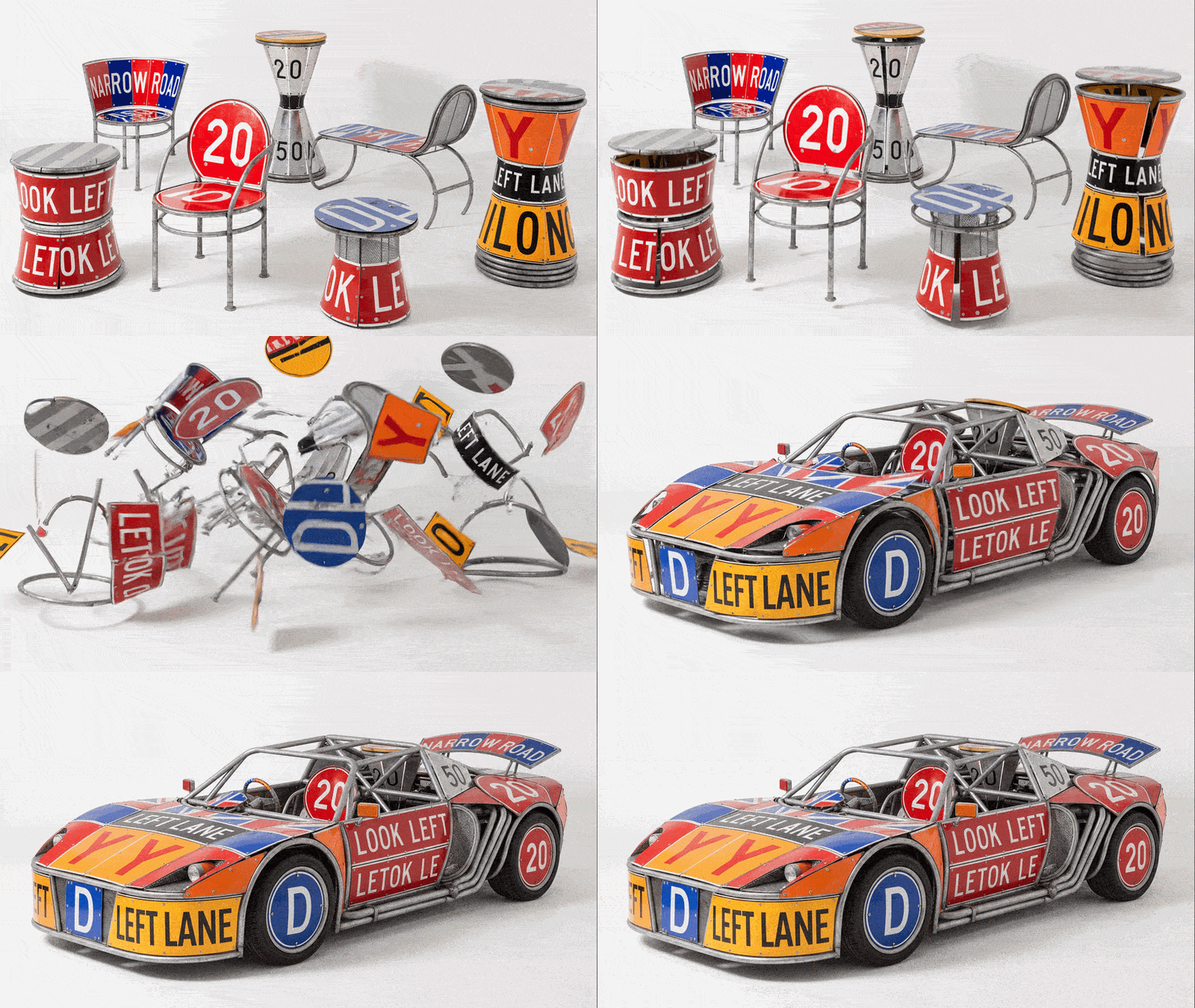
🎨 Logo Animation
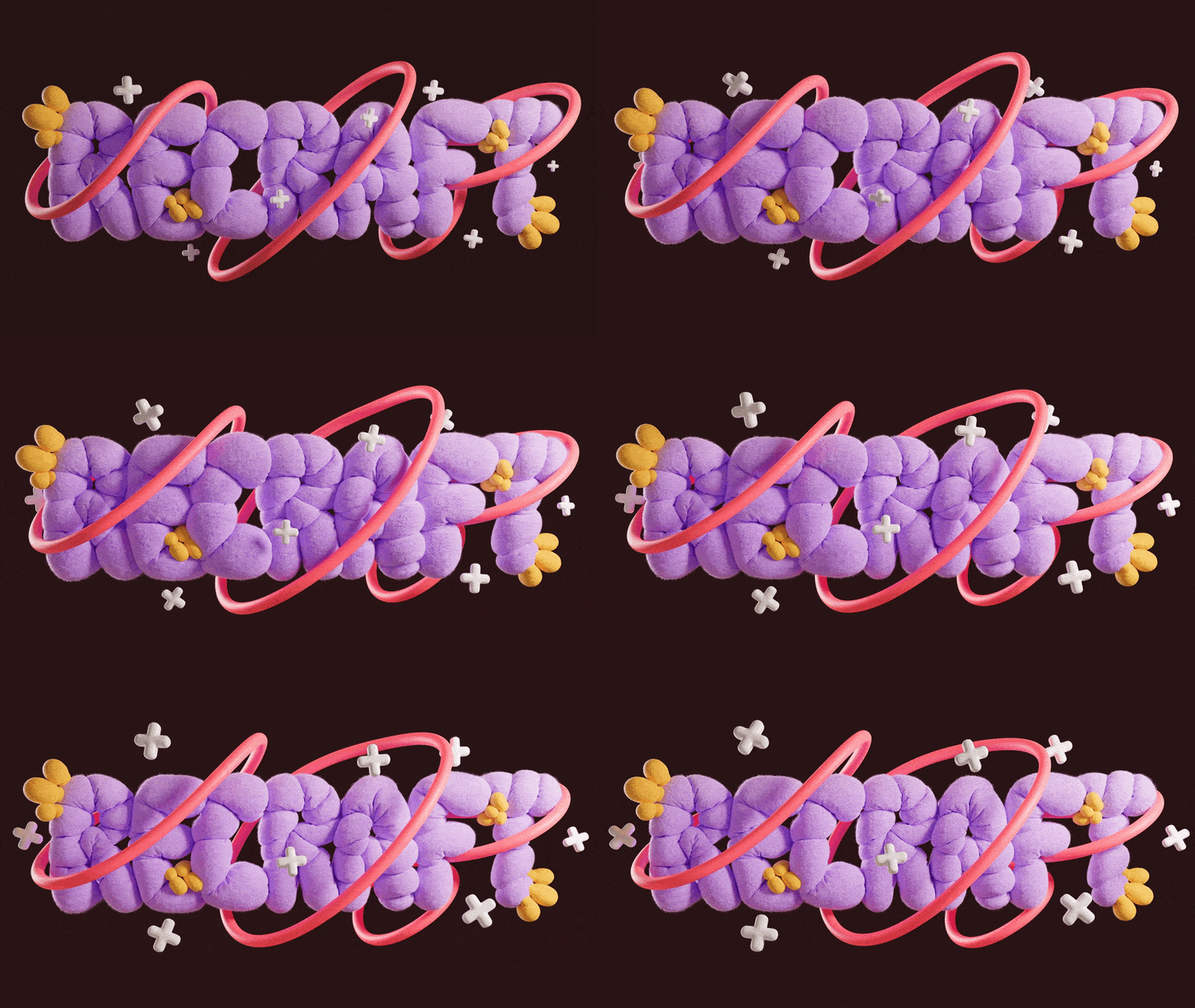
Reveal
Assembly from fragmentsLoops
Breathing pulse — website heroTexture & Environment
Water distortionDigital & Tech
Glitch + restore✨ Effects & Stylization
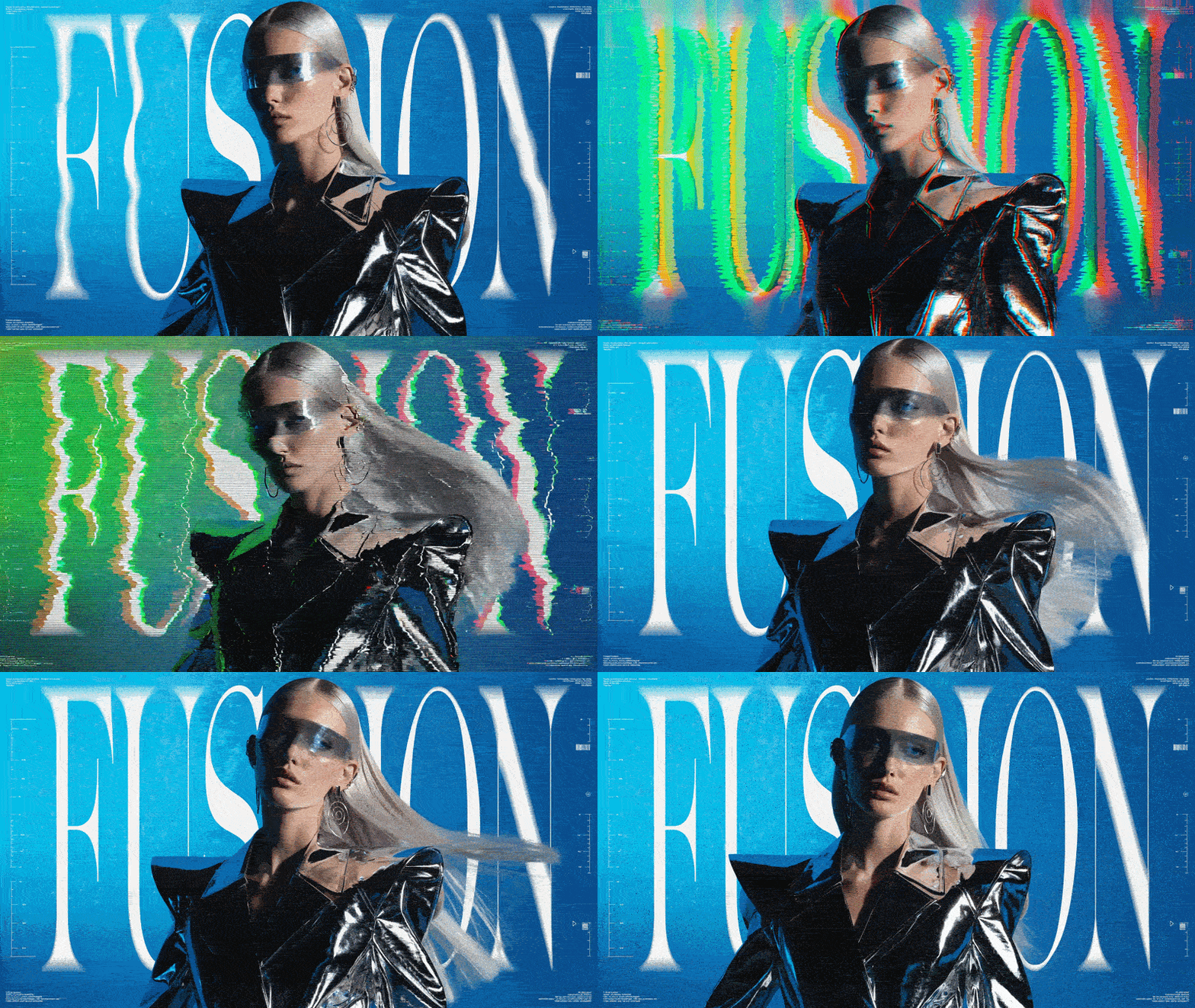
🎥 Cinematic Moods
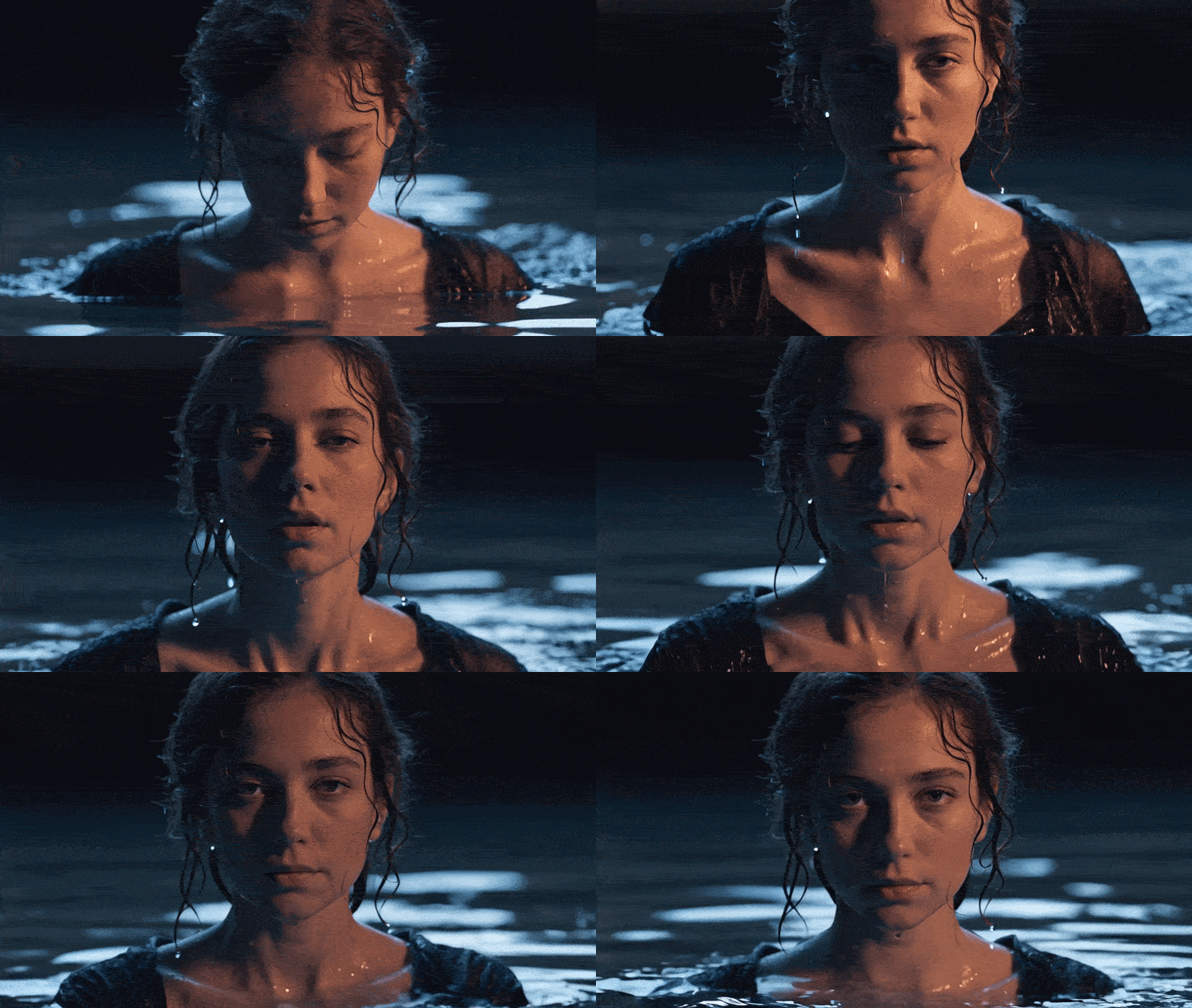
🚀 Ready to Use — Copy & Paste
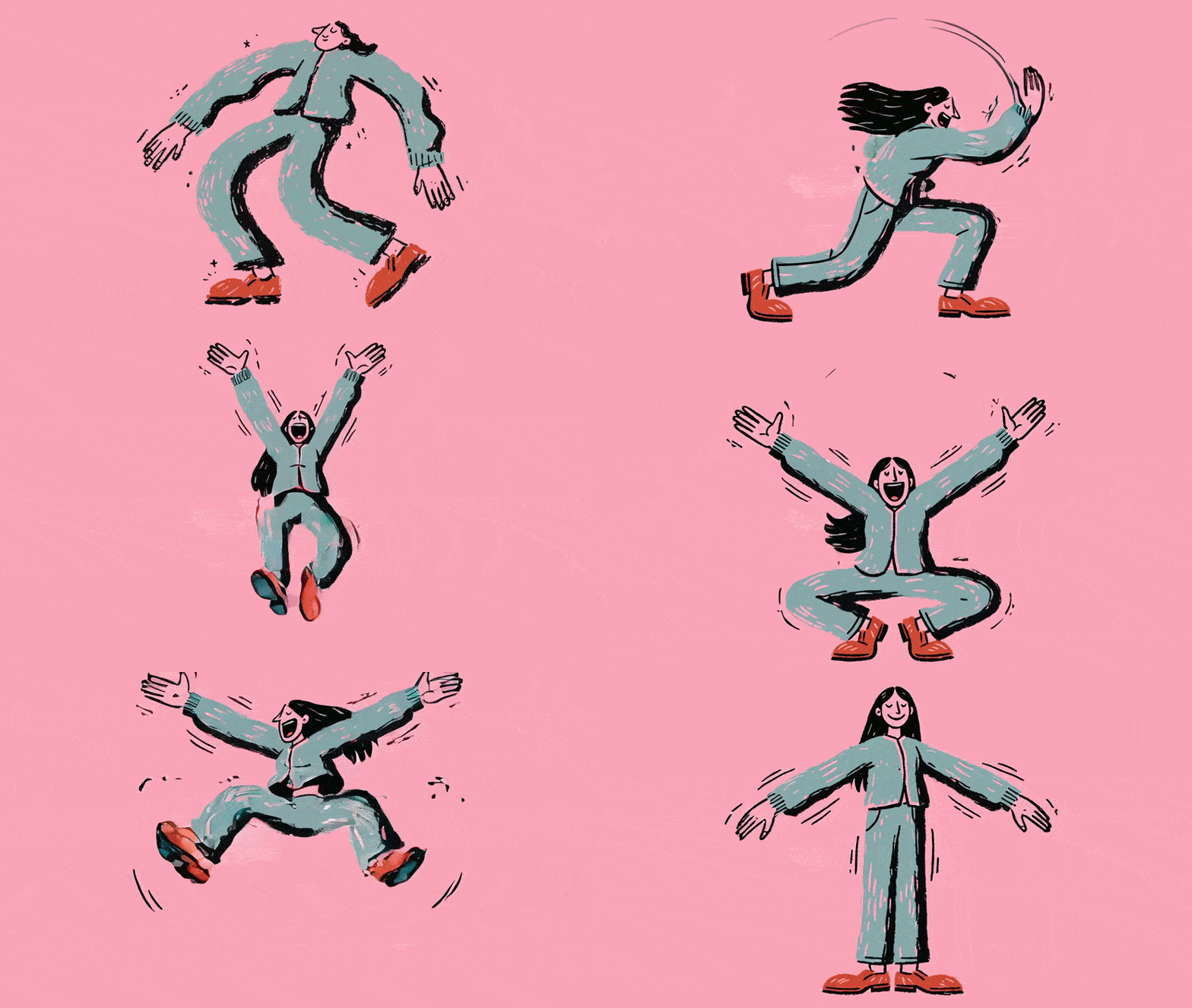
🔥 High Energy
Action shot — maximum impact🪶 Subtle & Realistic
Bring any photo to life🧩 Combo Prompts — Multi-Layer
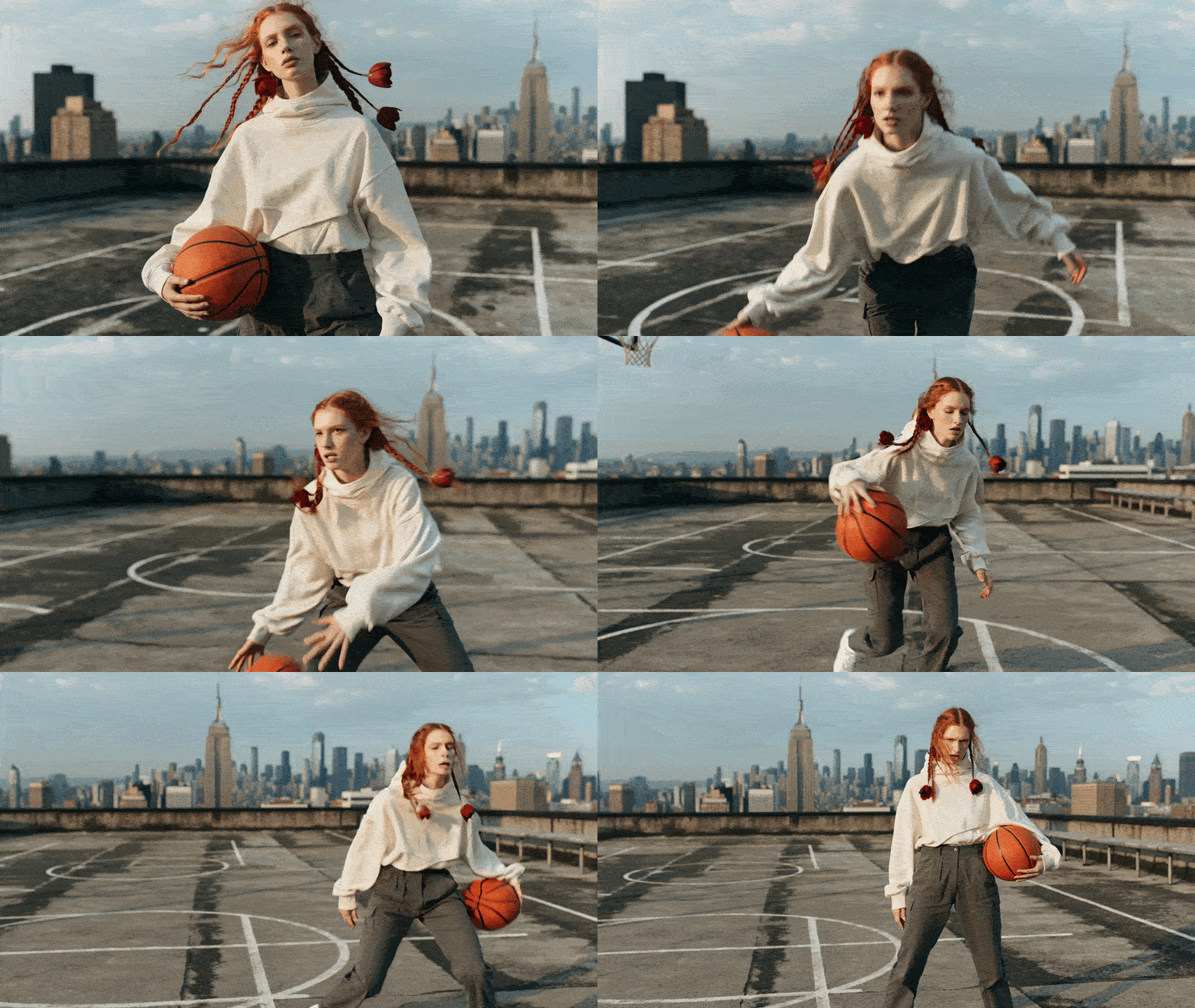
📏 Motion Intensity Scale
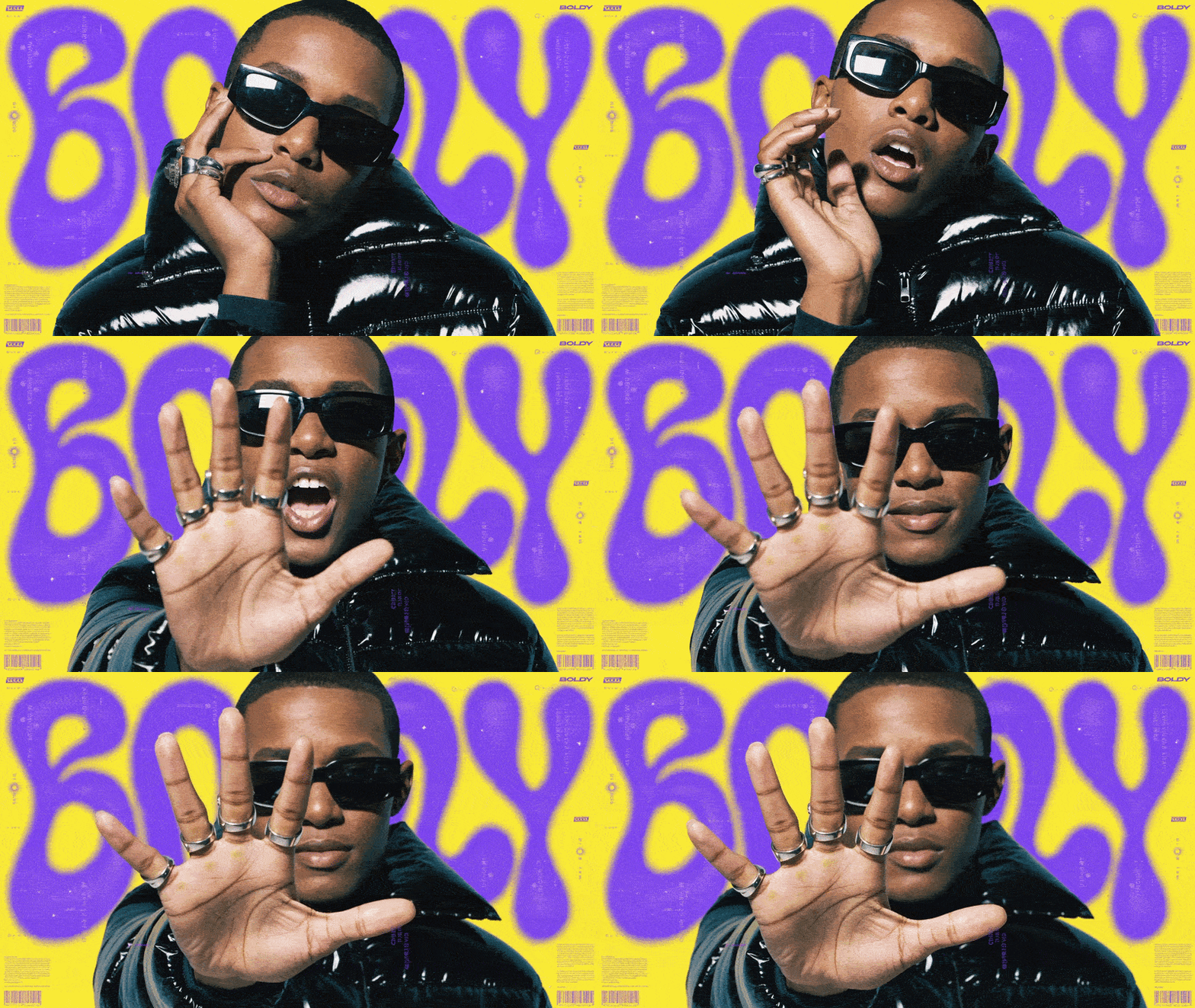
Add these keywords to any prompt to control movement.Level 1 — Almost Still
🔧 Modifiers — Add to Any Prompt
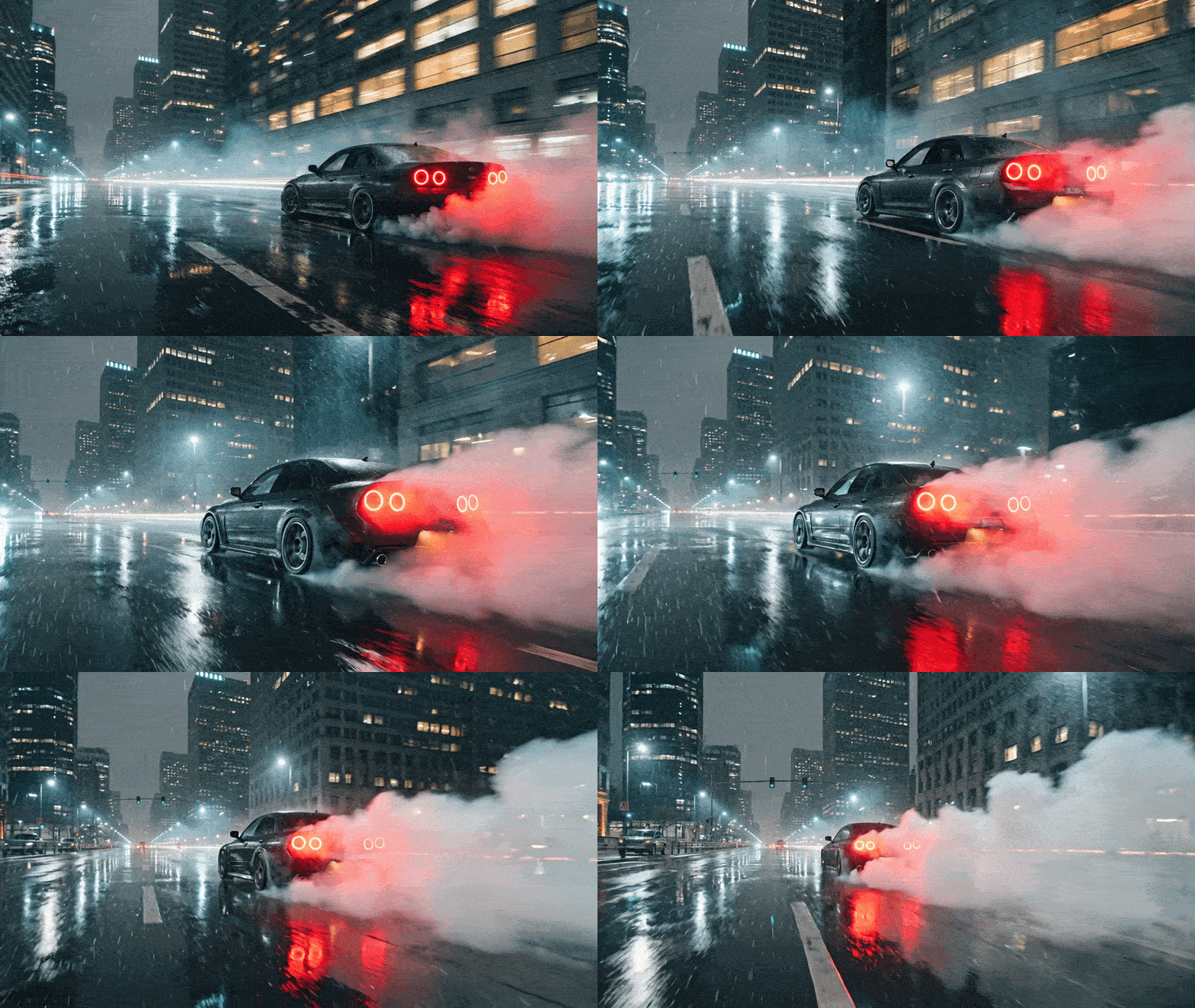
⛔ What NOT to Do
❌ Don’t write essays — 1–2 sentences max. Longer prompts confuse the model. ❌ Don’t stack actions — “Person walks, turns, picks up cup, sits” = bad. One action per prompt. ❌ Don’t describe what’s already visible — The model sees your image. Describe what should change. ❌ Don’t contradict yourself — “Slow calm + explosive motion” = the model doesn’t know what to pick. ❌ Don’t be vague — “Make it cinematic” = nothing. “Slow dolly-in, shallow depth of field” = works.💡 Pro Tips
- Simpler = better. 1–3 sentences max.
- One prompt = one action. Generate multiple clips instead of stacking.
- Describe the change, not the scene. The model already sees your image.
- Modifiers go at the end, not the beginning.
- Combine categories: camera + atmosphere + modifier = strongest results.
- Start subtle, then scale up. Level 2 first, push to 4 if needed.